
- Log into TUportal
- Select the “TUapplications” dropdown
- Select EAB-Navigate
Schedule an appointment with the Essential Needs Hub
Staff in the Essential Needs Hub are available to meet with you. Walk-ins are welcome, but scheduling an appointment in EAB-Navigate360 is helpful!
Accessing EAB-Navigate360 to schedule an appointment
Select Appointments 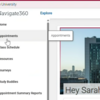
Once you are logged into EAB:
- Click “Appointments” on the left-hand side
- Click “Schedule an Appointment”
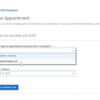
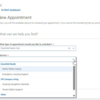
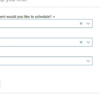
Schedule your appointment 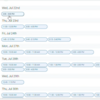
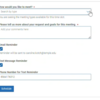
It will show you all available times with any staff member. Select your preferred time and then fill out the questions about type of appointment and a bit about your meeting request.